
CTRL+C, CTRL+V — Tip #20
Bring efficiency and peace to your copy/paste game 📄
134 is the average number of times an office worker uses copy & paste on their computer each day1. It is one of the most common actions we perform on a computer because it helps move information and data from one app to another.
For something done so frequently, you’d expect most of us to have an efficient setup. If that were true, there would be no tip today: welcome to clipboard history 📜.
Have you ever copied something, then copied something else… only to realize you need the first thing again? Most people work around this by creating a temporary note/document and dumping everything there.
If you work in tech (like me), clipboard history is non‑negotiable. We’re copying and pasting constantly, and I want quick access to anything I copied: not just today, but even a week ago. Example: I needed a link I had sent to a friend and remembered it had something to do with “debtors”.
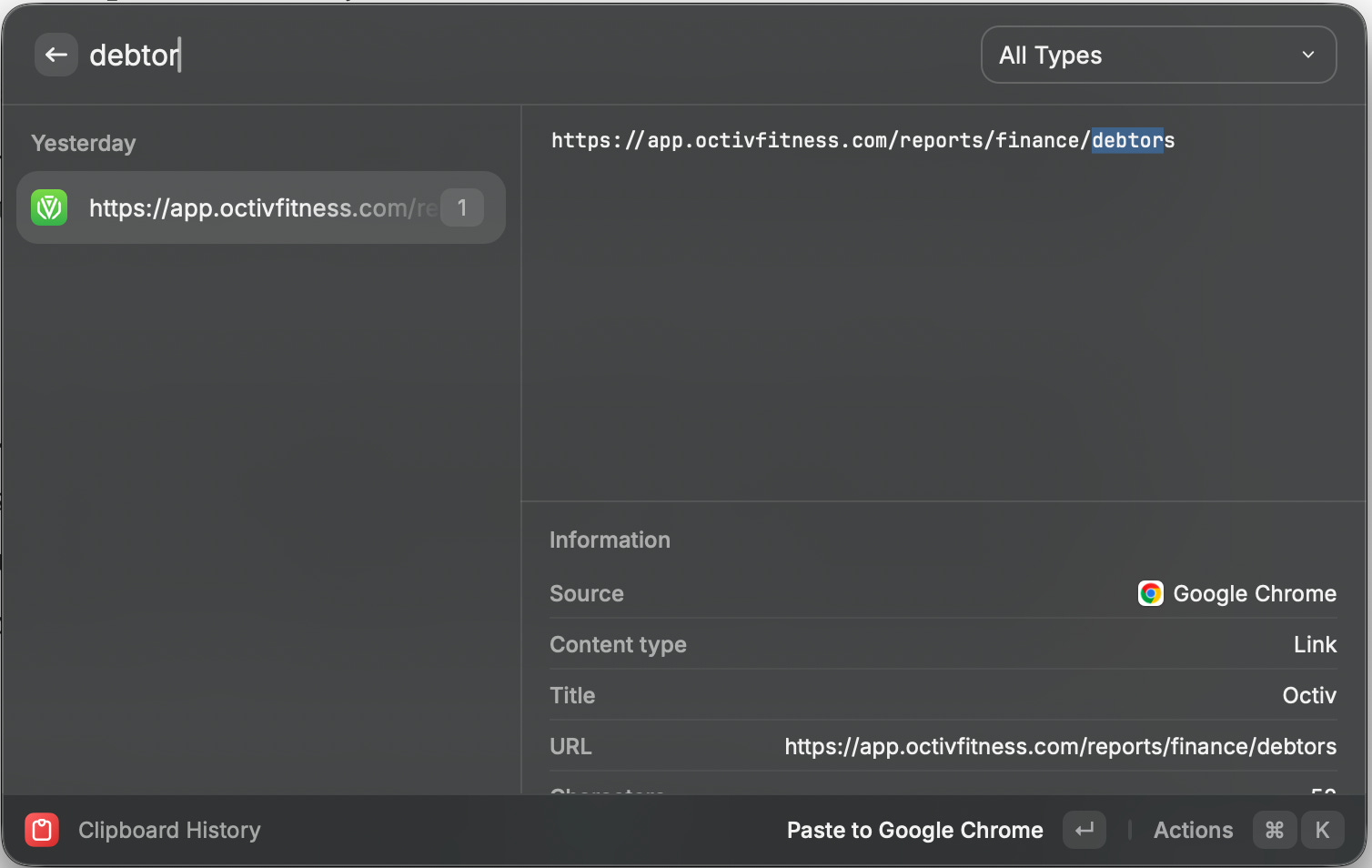
How to get clipboard history:
MacOS: Clipboard history isn’t built in, so you’ll need a dedicated app 😭
🪟 Windows: Clipboard history is built in (a crappy one 😅). Turn it on via Settings → System → Clipboard. A quick tutorial here.
😎 If you are cool (me): Raycast has, in my opinion, the best clipboard history right now. The basics are free; if you want to keep history forever (like I do), you’ll need the paid plan. Windows folks can get it here.
There are plenty of alternatives, just make sure you choose a modern clipboard manager, because it comes with useful extras like previews, search, filters, and more. When I say “modern”, take a look at the short Raycast video below (I know I know…I really think it’s a great product otherwise I wouldn’t insist) to see what I mean 👇
One last example: while I was writing today’s tip, I had to do a bit of copy-pasting myself…
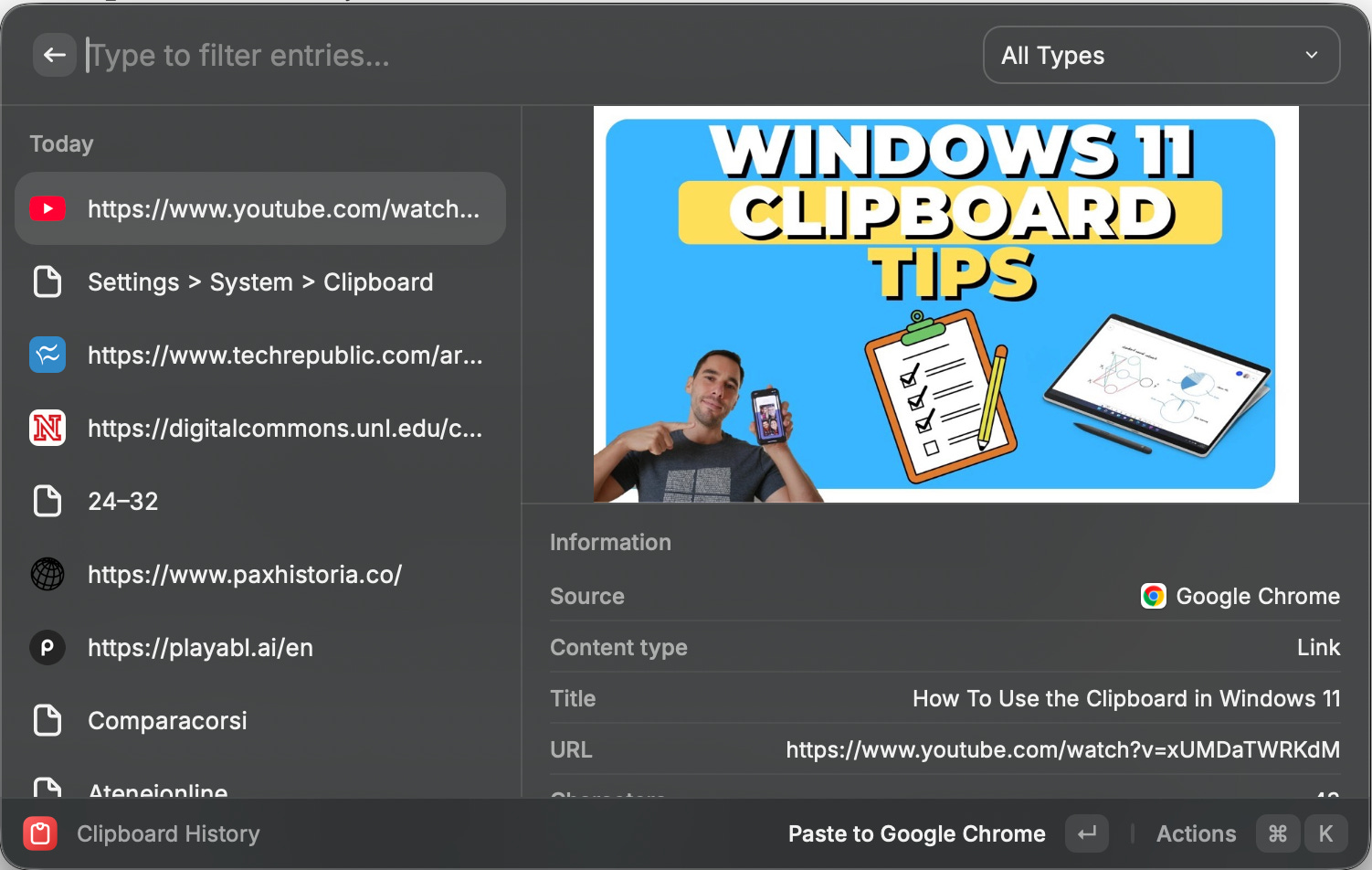
Your weekly tip: If your work involves a computer, start using clipboard history. Push through the initial friction, future you will thank you. You’ll work faster and you’ll be far less likely to lose something important you copied.
Don’t forget to share this tip with a friend who works with a computer (I guess 90% of them?!) 🫰
See you next week, until then…
Don’t Panic 😱
The number of people I’ve recently met that don’t even know about Ctrl+C… 🥲
Btw, Apple recently added native clipboard history to Spotlight on MacOS! See: https://support.apple.com/en-gb/guide/mac-help/mchl40d5b86b/mac